
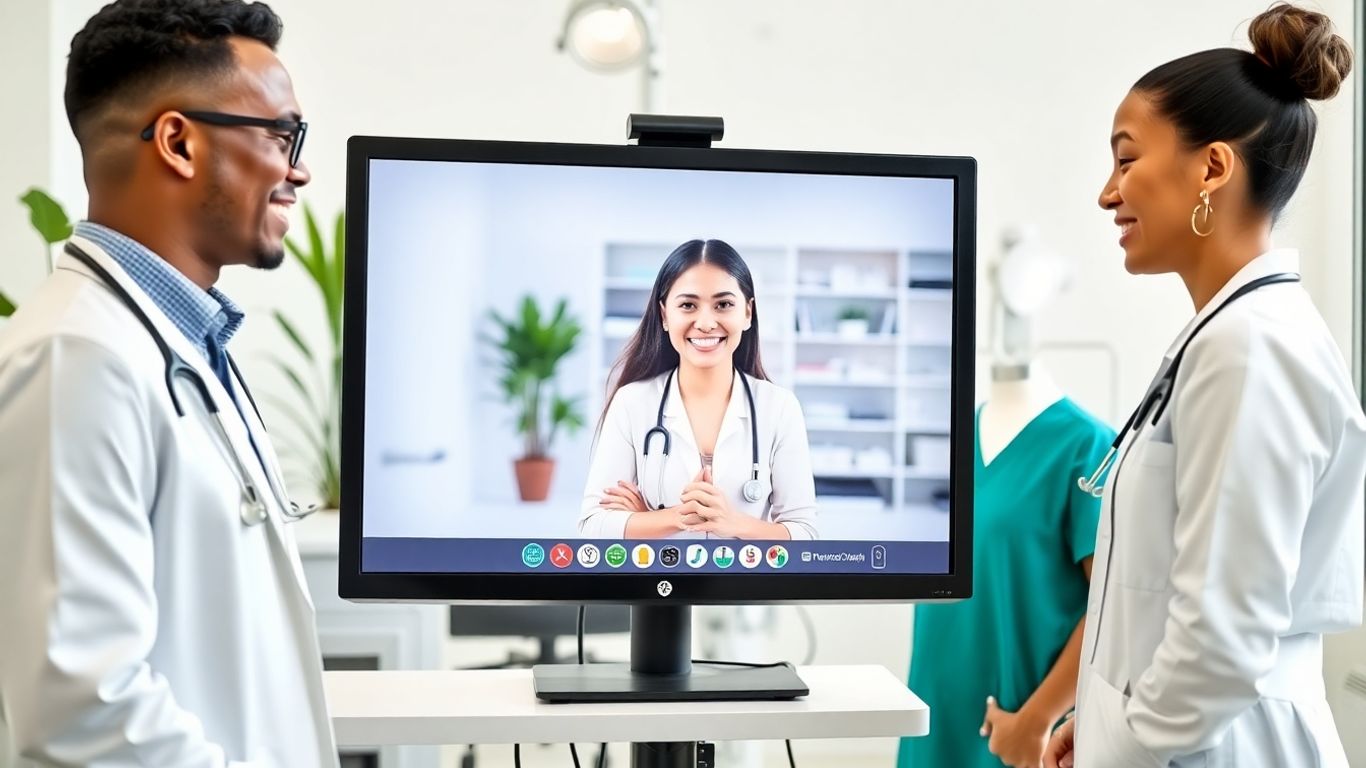

A receptionist answering the phone 500 miles away seems straightforward enough, but then consider what they need to do their job and it’s not just picking up a phone. They’re accessing schedules, checking in on insurance, making changes to charts in real time, communicating with the clinical team from across the office, and the person on the line has no clue they’re not at a desk in the building.
The communication technology that makes this happen isn’t one avenue. It’s a combination of connected systems that need to work without lag, without security holes, without making the in-office team work harder. When it works seamlessly, no one knows. When it falls apart, the entire operation goes up in flames.
Cloud-Based Phone Systems that Route Calls Anywhere
Traditional office phone systems keep calls confined to the office building. The main office number is dialed by a patient and unless they’re transferred (which can happen with virtual reception too, making the caller annoyed), that call will go to someone in the office. Virtual reception flips this notion on its head.
Modern cloud phone systems (often called VoIP, or voice over Internet protocol) digitize calls so data travels via the Internet. This means that a call to your office’s number can ring at a desk phone in the office, at a receptionist’s headset in another state, at a provider’s cell phone if need be. The caller sees it as a traditional phone call; they have no idea that the person who answered is working remotely.
But there’s more than routing calls at play. These systems track call volume, record calls for quality assurance (with proper consent), and create real time dashboards of busy lines and how long patients are holding for assistance. Practiced with HIPAA-trained remote staff can monitor how calls are being handled and response times from anywhere which helps maintain consistent patient service even when split across multiple locations.
Of course, reliability is key. If the remote worker’s Internet goes down, calls need to automatically reroute to someone else on the team. High quality systems have this failover built-in; low quality systems sometimes do not, and that’s where practices get taken for a ride.
Practice Management Software Access
A receptionist who cannot see your schedule? A waste of time. Therefore, virtual receptionists need access to the same practice management software in use for in-office personnel. This is where it gets tricky and HIPAA compliance comes into play.
Most practice management software today is cloud-based or allows for remote access; however, access requires additional steps to get it right. VPNs (virtual private networks) are often utilized by remote staff which encrypts everything moving in-between their computer and the practice’s software. Some practices even use remote desktop software instead, putting a physical computer in their office under remote control of the remote worker.
The most important part is that virtual receptionists are not downloading information onto personal devices, they’re merely viewing through connections that take no notes when they log off. Good virtual staffing companies supply equipment (encrypted computers/no USB portals/locked-down software) and IT support to sustain these standards.
But access is only part of the equation; knowing how to operate within your specific PMS is paramount. Different systems have different quirks (differing eligibility checks or note-taking areas/difference password protections for blocking off time on scheduling). Training comes into play here for all involved, even those practices who presume “medical receptionist” means someone can quickly get into any office’s systems might be surprised by the learning curve.
Secure Messaging for In-Team Communication
Beyond phones and patient appointments lies secure messaging for in-team communication throughout the day. A patient calls looking to ask a question about labs drawn at their last visit; the virtual receptionist checks their appointment history but needs clarification from the nurse who did draw the labs so she needs to be in contact as well. This happens all day long.
Yet text messages, and personal email, are out of the question (and inappropriate due to HIPAA violations). Instead, practices utilize secure messaging platforms designed for healthcare. Think Slack or Microsoft Teams except encrypted with audit trails and access controls that function under compliance requirements.
The best implementations come with integrations that connect these systems directly to practice management software so that notes are immediately accessible. A virtual receptionist could leave a message about someone needing information and based on who reads it can go directly into the patient’s chart with little delay. Without integration, however, staff find themselves toggling back and forth which wastes time and could create mistakes.
Automated Call Distribution
And then there’s automated call distribution (ACD). Smart phone systems don’t just dump every call in one spot; they transfer calls based on rules set up by the practice.
Billing concerns go one team member; new patient scheduling another; prescription renewals may have an assistant running those requests specifically and any caller is added to a queue for this specialization. The system tracks who’s available, who’s on another call, how long each caller has been waiting and if no one picks up within a certain number of rings or minutes, it automatically goes to someone else.
This is important because this means virtual receptionists can be specialists. One person handling nothing but scheduling all day may get so good at it while another might focus on insurance verification as that’s all they do. Technology makes this possible through automatic routing of work.
Video Integration for Complicated Communications
While most reception activities take place over the phone, there are always situations that require video confirmations, patients needing help finding an entrance; questions asked about forms they’re holding; virtual teams needing to see something about a paper chart or about some equipment.
This is where video comes into play, but again, not just any video system but instead healthcare-oriented solutions that encrypted systems do not record or unethically save information. Some practice management systems have video capabilities integrated within their communication efforts so there doesn’t need to be multiple platforms.
What Happens when Technology Fails
Systems fail at some point in time, Internet goes down, software crashes, servers go down for maintenance, but it’s how reliable services implement backup plans which determine if virtual reception works or fails.
Good implementations offer redundant Internet connections in case the primary one goes down, and backup failsafe kicks in. Remote workers also have access to cellular hotspots as a third option. The same goes for phones, if they’re unavailable, then multiple systems ensure calls go through to admin in-office or another virtual assistant who provides coverage.
Practices might believe that having someone in-office prevents further vulnerabilities, but in-office receptionists get sick too, they quit with no notice, they need vacation coverage. The same technology that supports seamless facilitation of virtual reception provides continuity that traditional staffing cannot offer. When one virtual receptionist is unavailable, whether it’s illness or vacation, another trained teammate has everything already established via routing methods that travel across geographic lines.
Integration Systems Nobody Talks About
Where practices find unexpected hiccups are when systems need to all connect. The phone system needs to work with practice management software. The messaging software needs to work with electronic health records. The video needs to work on computers which fall under security regulations.
Some practice management software provides limited integration potential or expensive options; other phone systems don’t have Q&A features that make virtual reception interesting and practical. Knowing what’s going to work before committing to a decision makes the most sense which is why staffing companies who’ve already worked through these integration puzzles makes more sense than trying on your own, however complicated it might seem.
Technology isn’t straightforward and it’s not cheap, but once it’s implemented it creates opportunities typical in-office-only reception staffing can’t achieve on their own. The same systems that empower someone answering your phones from another state can provide analytics from quality oversight perspectives, flexible coverage options and scalable possibilities that grow with your practice. Technology isn’t the goal but better patient service and more efficient operations are, with no infrastructure, nothing matters.
Comments are closed.